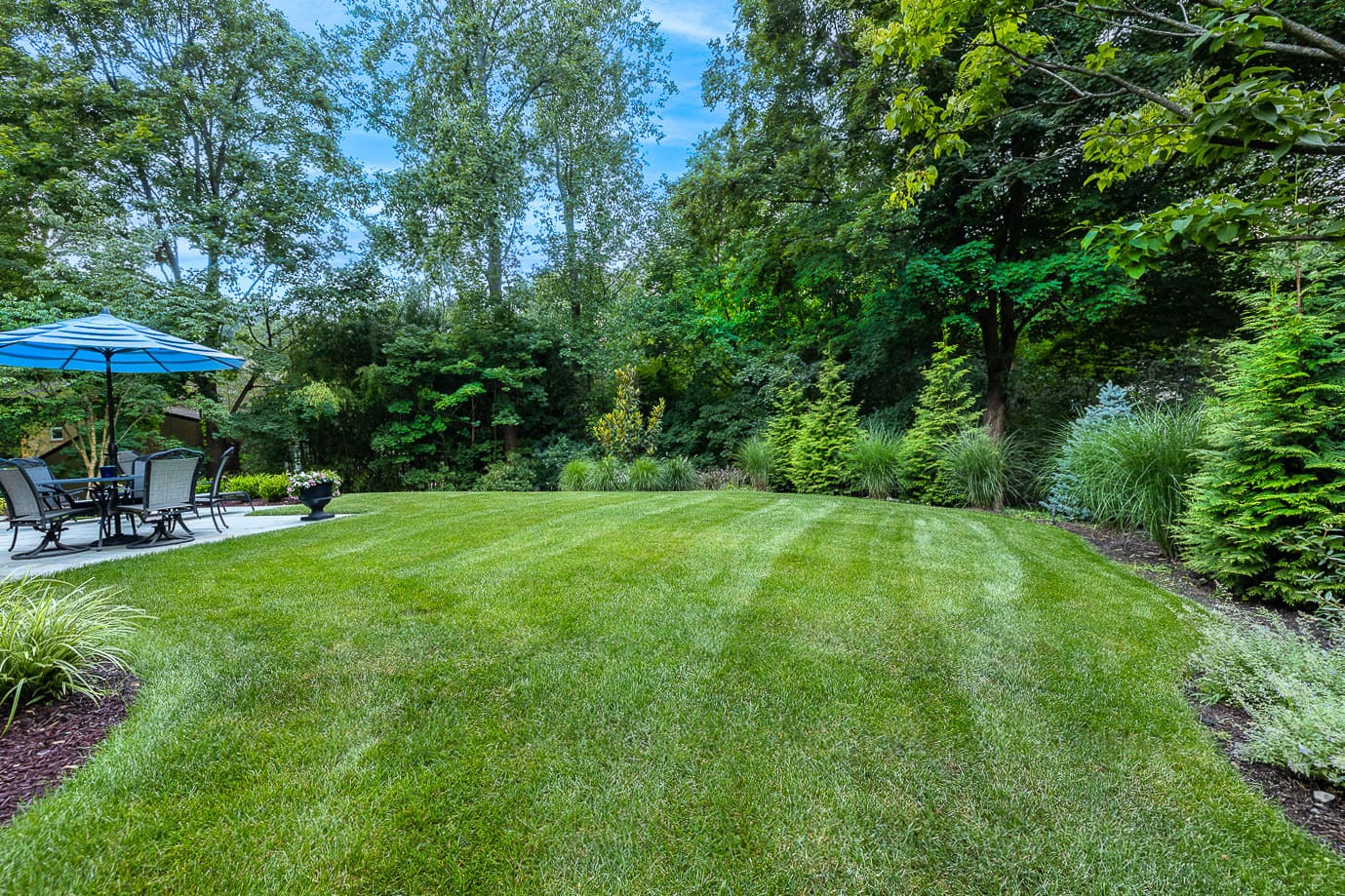
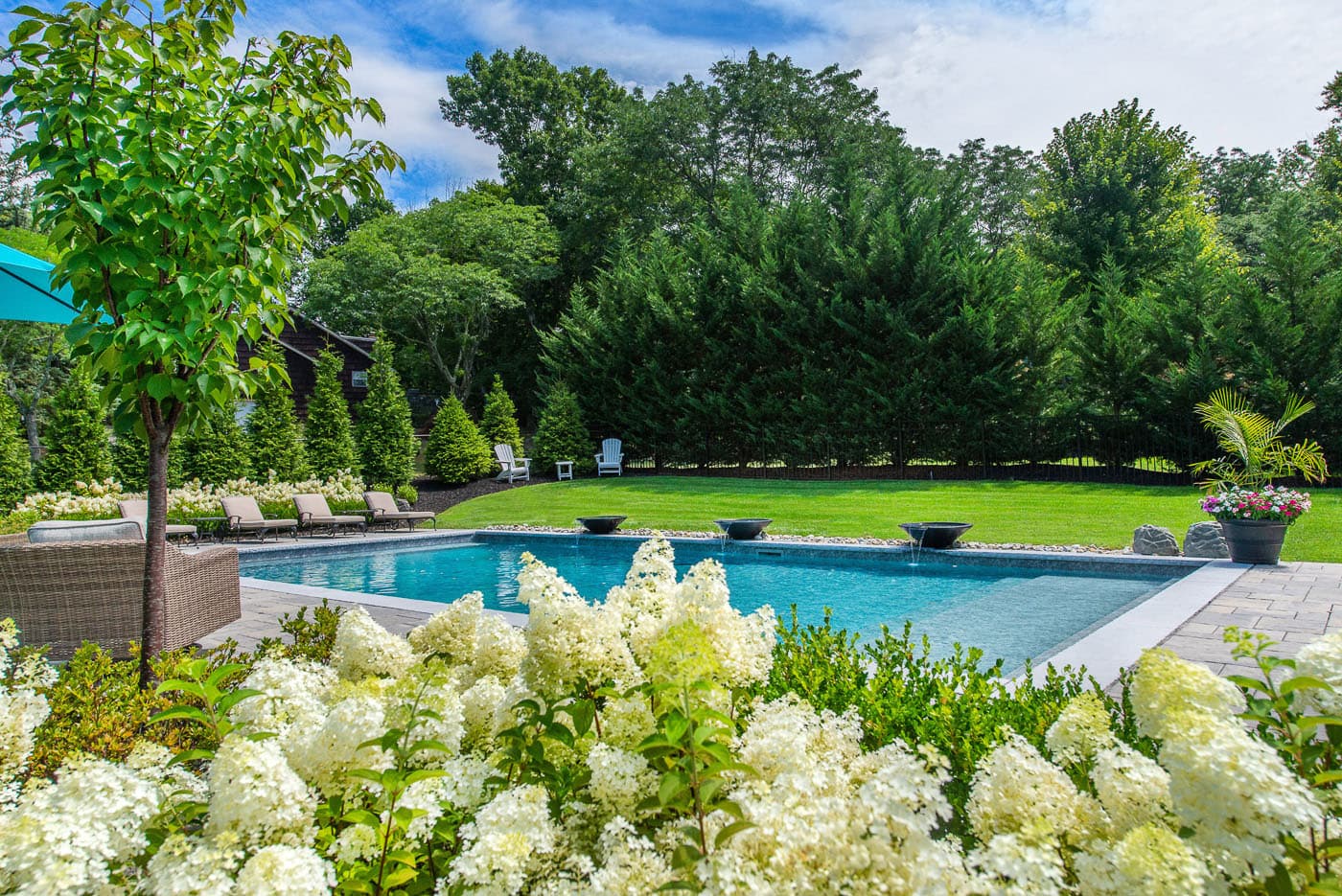
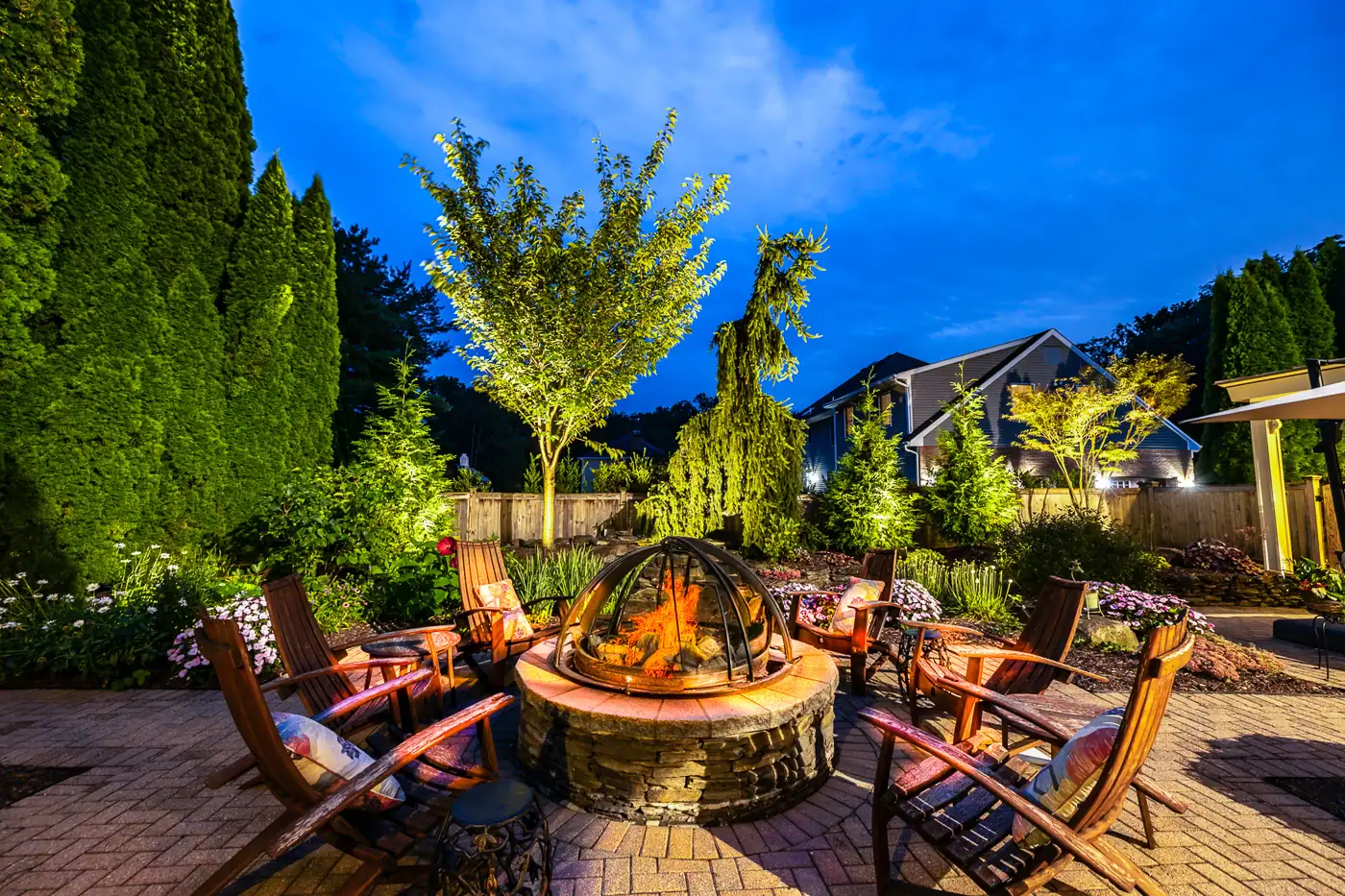
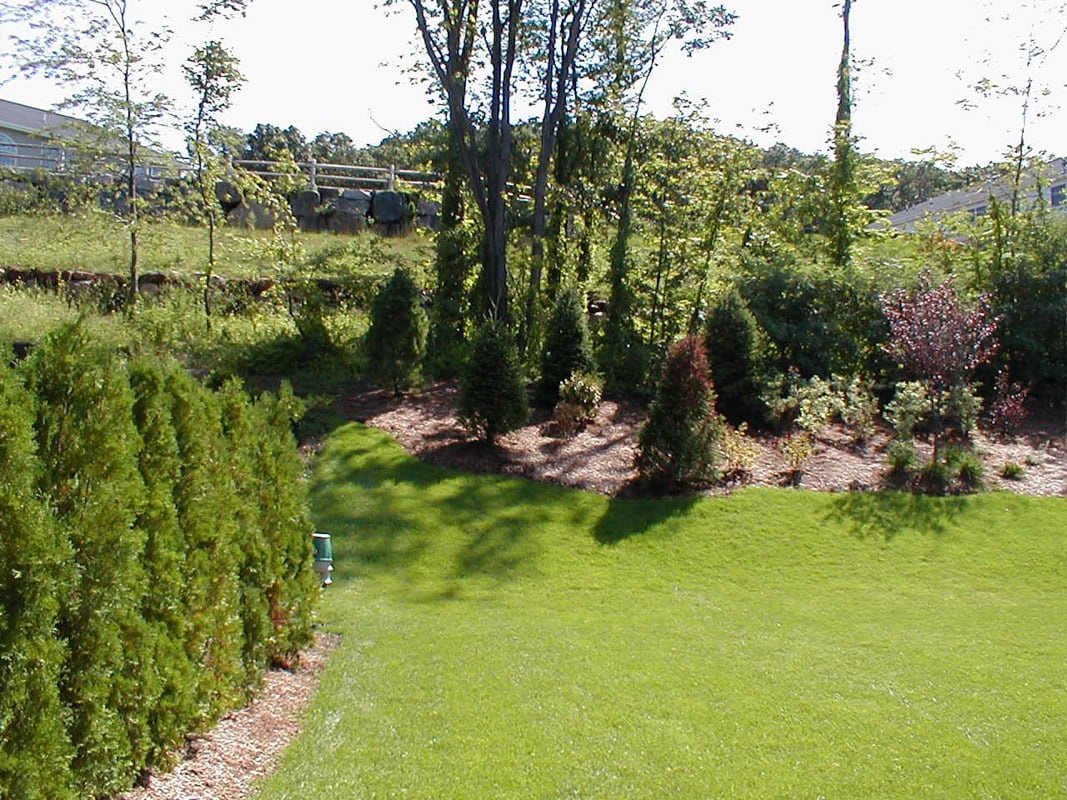
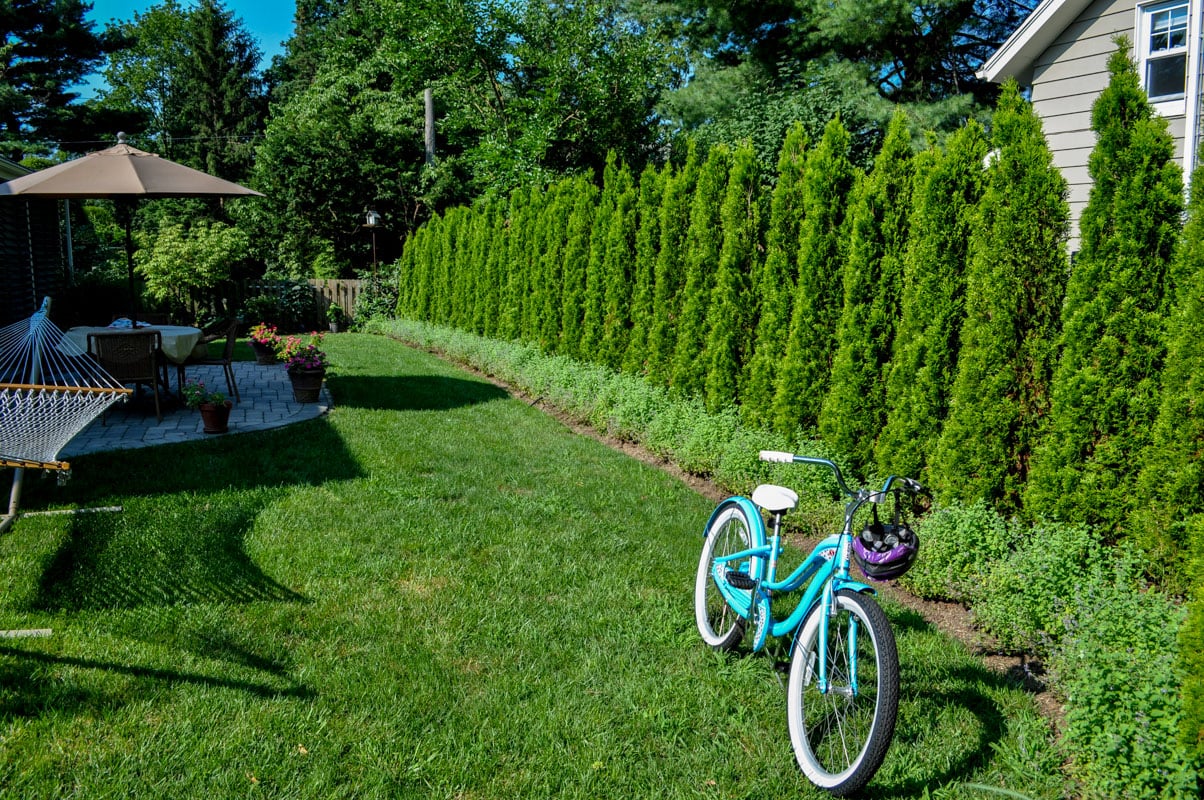
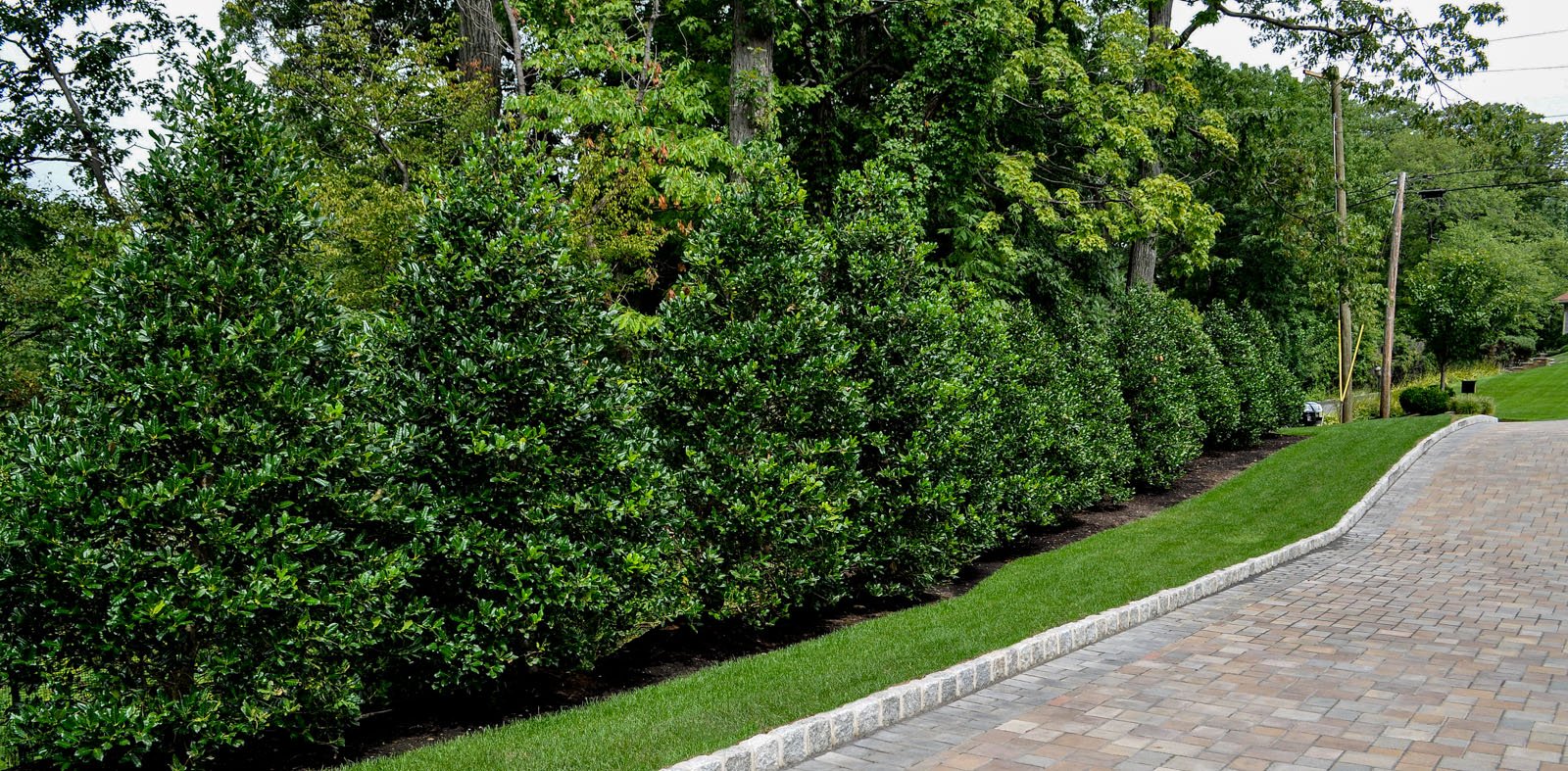
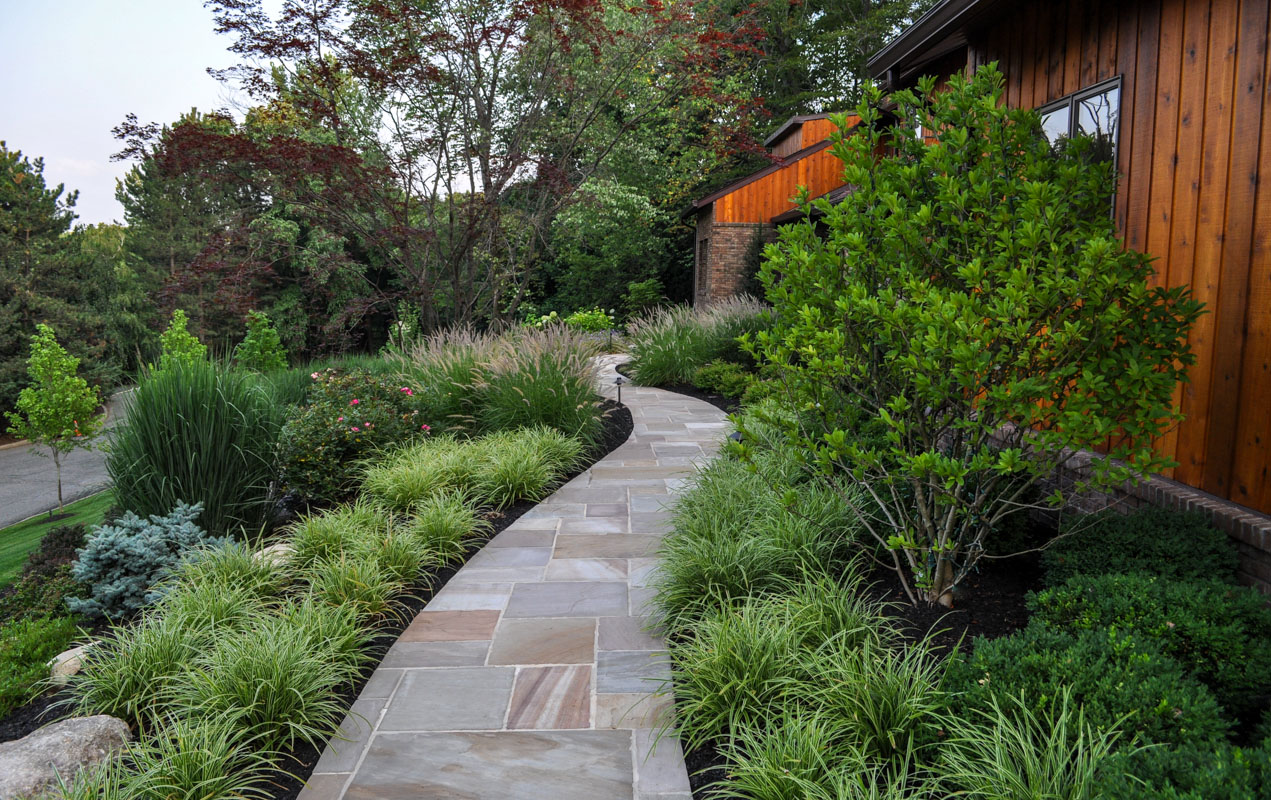
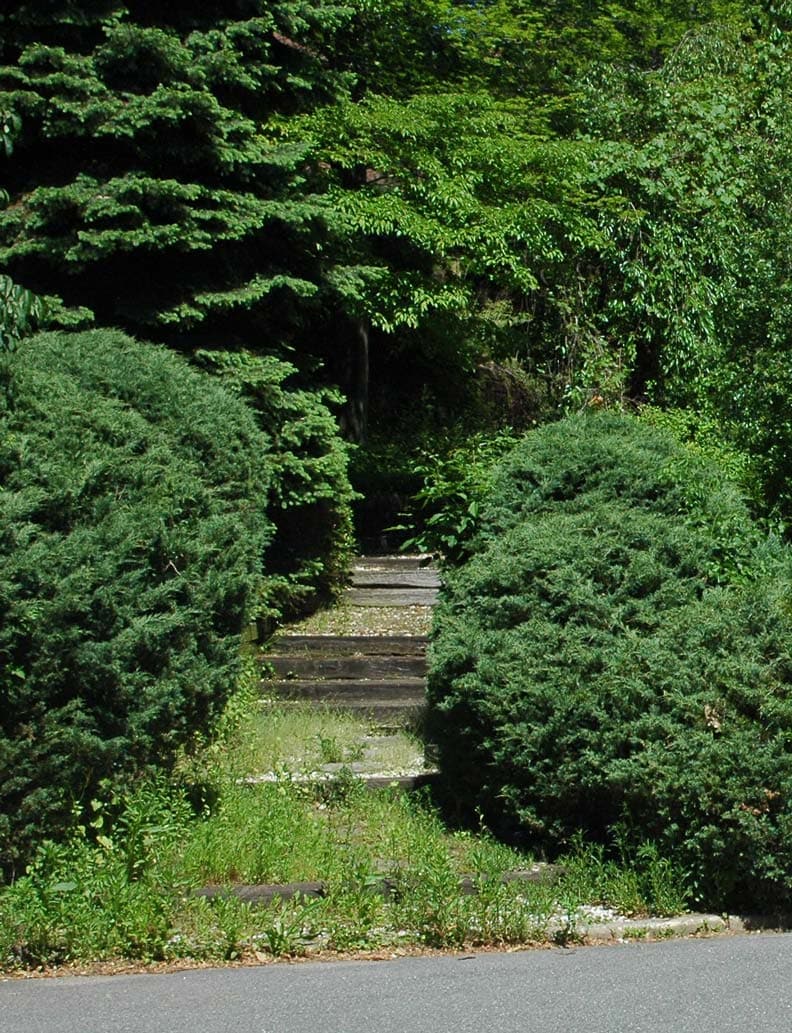
Privacy plantings are the elegant solution to creating sanctuary in the landscape—offering seclusion without sacrificing beauty. Far beyond simple screens, these living walls are thoughtfully composed using layers of evergreens, flowering shrubs, and ornamental trees to create natural barriers that soften boundaries and block unwanted views. The result is a lush, tranquil backdrop that enhances both the aesthetic and the intimacy of an outdoor space.
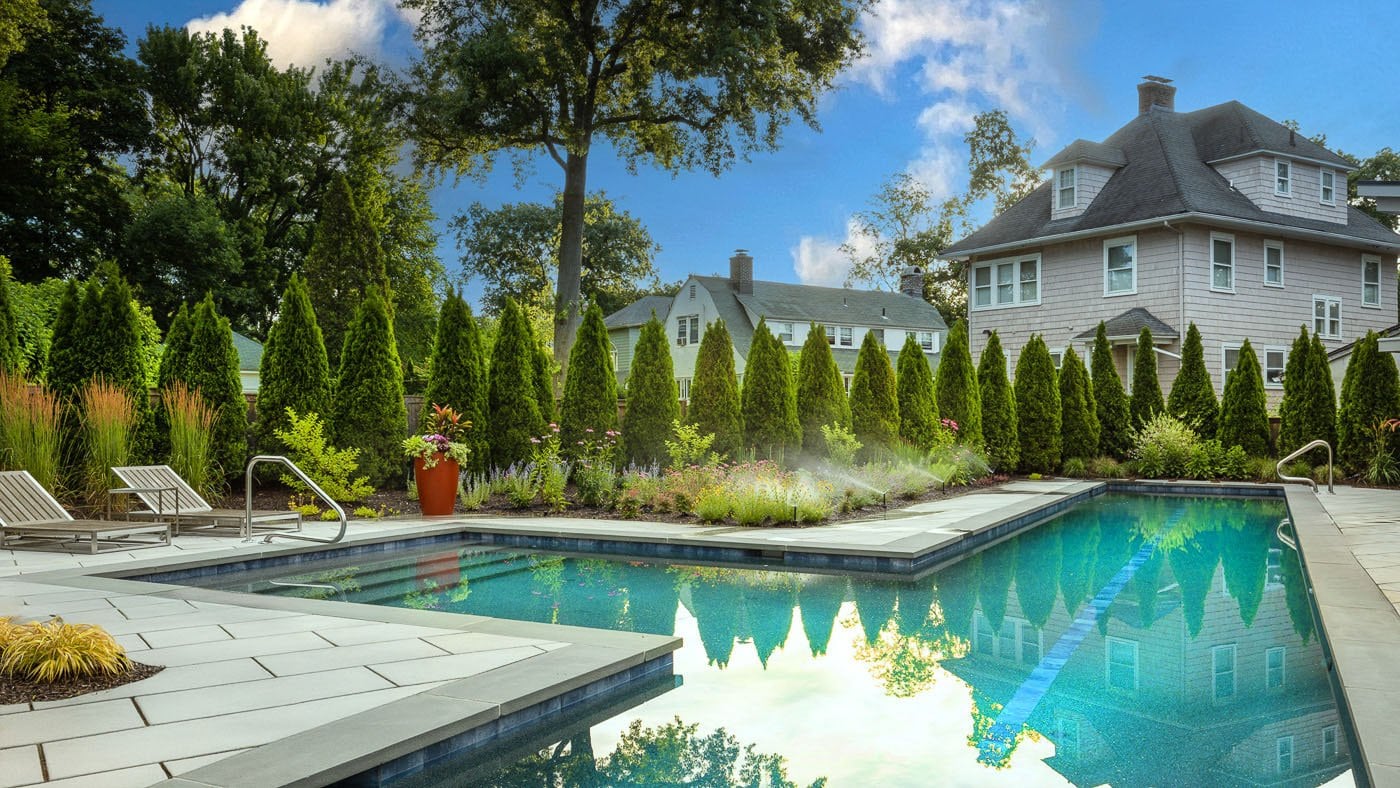
At CLC Landscape Design, privacy plantings are customized to the needs of each property—whether it’s shielding a poolside retreat, enclosing a garden room, or adding quietude to a front yard. Privacy plantings can be anything from Arborvitae, Skip Laurels to Hydrangeas and a multitude of other plants, trees and grasses.
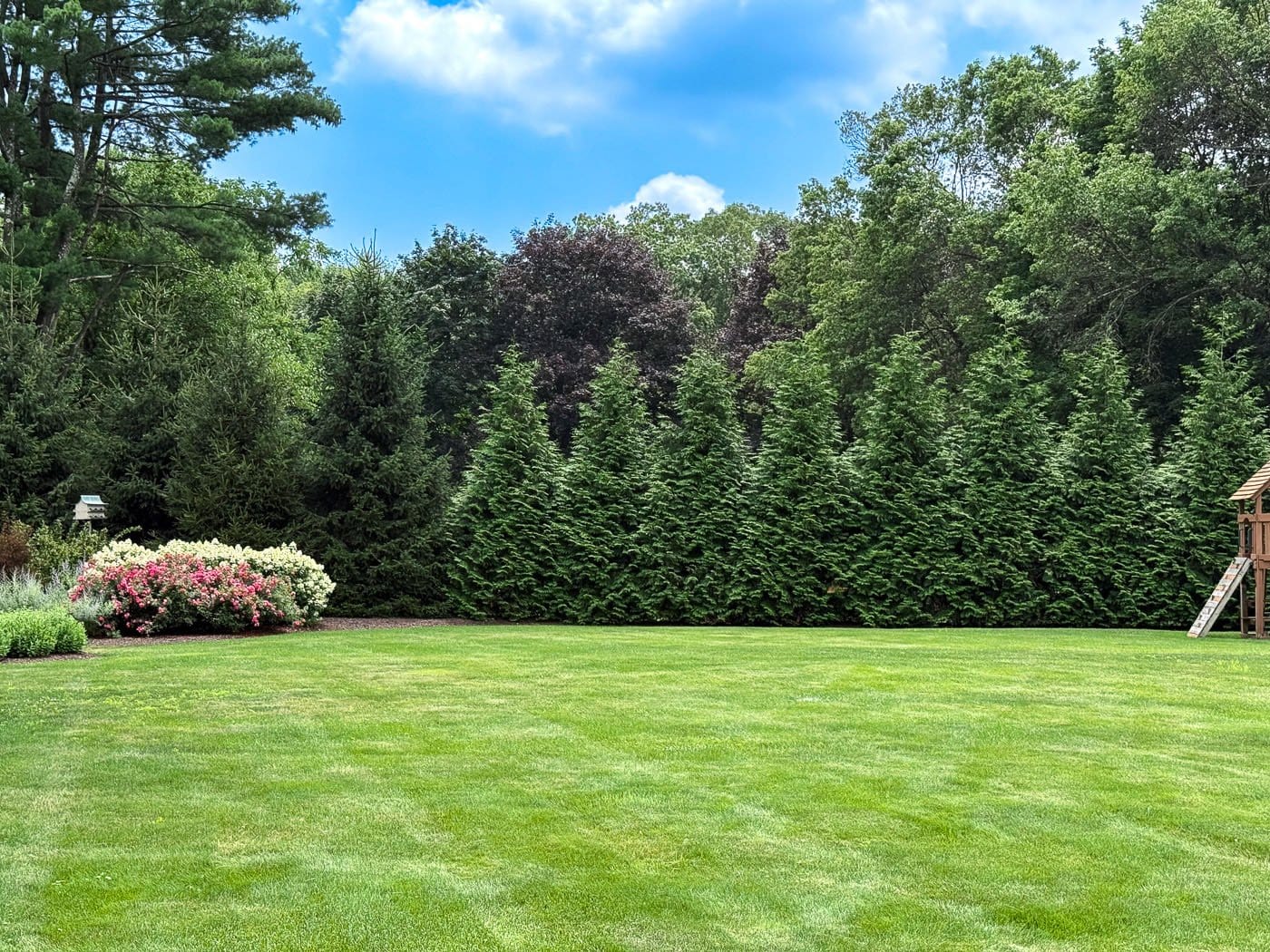
Every plant is selected not only for its function, but for its form, color, and seasonal interest. The result is more than privacy—it’s an immersive, thoughtfully designed experience that turns your landscape into a private escape.
At CLC Landscape Design, we are committed to making our digital presence as accessible and inclusive as reasonably possible for all users, including individuals with disabilities. Our goal is to improve the usability of clcdesign.com/ and to support a more accessible experience for everyone, regardless of their abilities or the technologies they use.
Our Approach to Accessibility
We aim to align with the Web Content Accessibility Guidelines (WCAG), which define internationally recognized standards for digital accessibility. While full compliance cannot always be guaranteed, we strive to implement improvements where feasible and regularly review accessibility-related aspects of our website. Accessibility is an ongoing process, and we are committed to improving the experience over time as technologies, standards, and user needs evolve.
Accessibility Features
To support accessibility, clcdesign.com/ may utilize tools such as the OneTap accessibility toolbar. This interface provides users with a range of helpful features, including:
Adjustable text size and contrast settings
Highlighting of links and text for better visibility
Full keyboard navigation of the toolbar interface
Quick launch via keyboard shortcut: Alt + . (Windows) or ⌘ + . (Mac)
Please note the following:
The availability and effectiveness of these features depend on the website's configuration and ongoing maintenance.
While we strive to ensure accessibility, we cannot guarantee that every part of clcdesign.com/ will be fully accessible at all times. Some content may be provided by third parties or affected by technical constraints beyond our immediate control.
Feedback and Contact
We welcome your feedback. If you experience any accessibility barriers or have suggestions for improvement, please contact us: Email: office@clclandscape.com We are committed to reviewing all inquiries and aim to respond within 3–5 business days. If you require assistance accessing any part of this website, we are happy to provide support through alternative channels upon request. Last updated: November 11, 2025
How long do you want to hide the toolbar?
Select your accessibility profile
Vision Impaired Mode
Enhances website's visuals
Seizure Safe Profile
Clear flashes & reduces color
ADHD Friendly Mode
Focused browsing, distraction-free
Blindness Mode
Reduces distractions, improves focus
Epilepsy Safe Mode
Dims colors and stops blinking
Content Modules
Font Size
Default
Line Height
Default
Color Modules
Orientation Modules
“Thanks for reaching out! Every great landscape starts with a conversation, and we’re glad you started yours with CLC.”